
.svg)

Find connection and inspiration in Sikhi
We connect people with the teachings of Sikhi and work to strengthen the bonds of the Sikh community around the world by offering content and live experiences in a variety of mediums.
Start exploring a deeper connection.
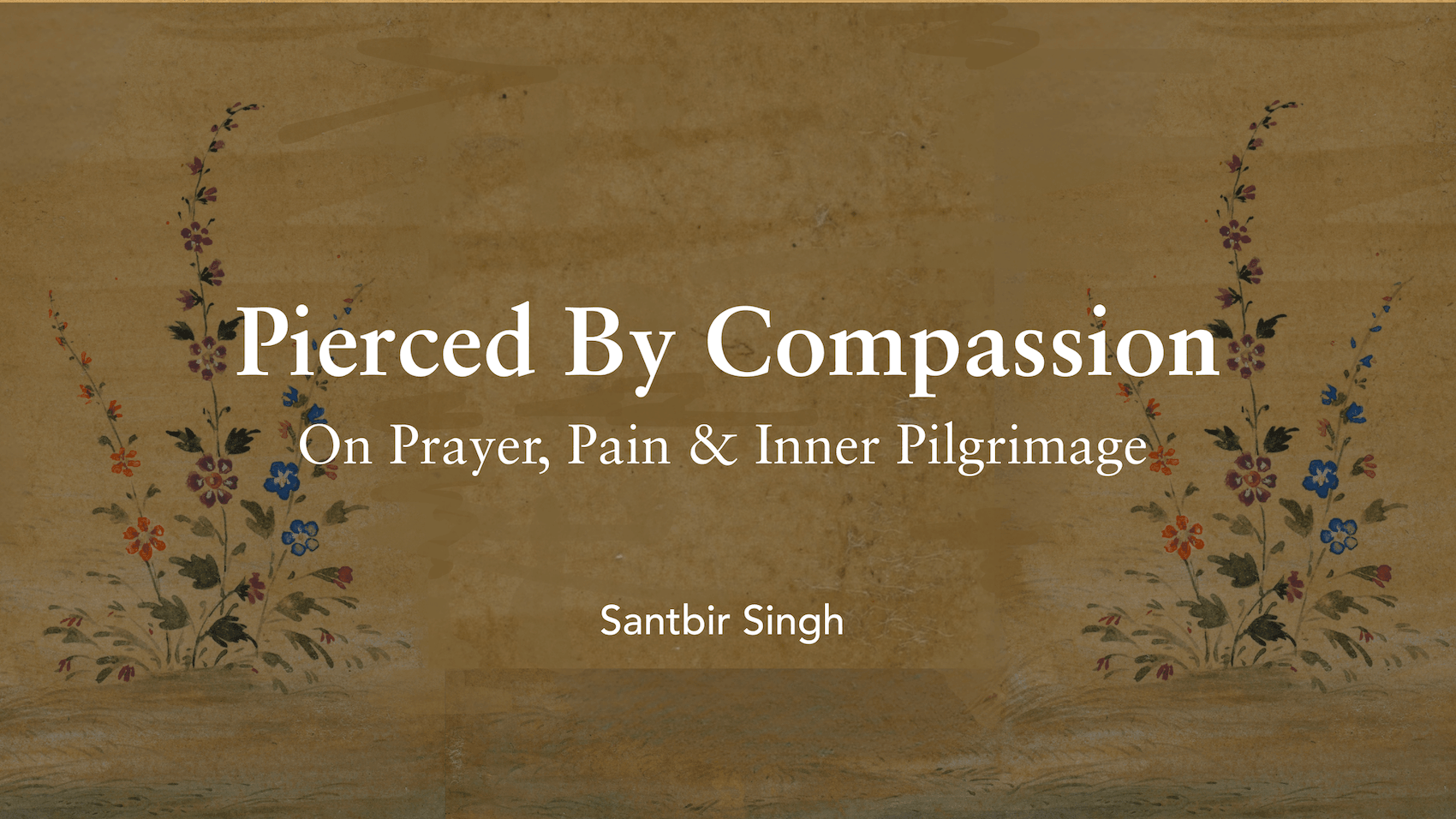
Pierced by Compassion
Some sabads remain on the page. Others begin to live inside us. In this reflection, Santbir Singh returns to a sabad of Guru Nanak Sahib on Ang 795 that has become an ardas in moments of grief, stress, and surrender.
Some sabads remain on the page. Others begin to live inside us. In this reflection, Santbir Singh returns to a sabad of Guru Nanak Sahib on Ang 795 that has become an ardas in moments of grief, stress, and surrender.

.svg)
.svg)
.svg)


